NFC Tools - Flipper Zero
Information
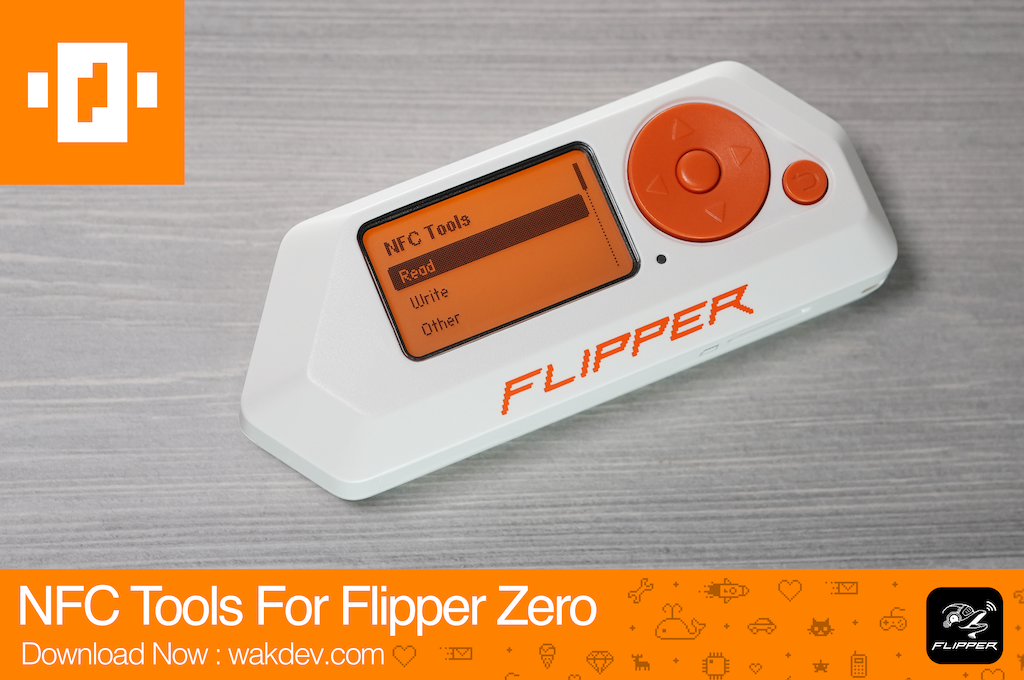
Read and write your NFC chips with a simple and intuitive interface, anywhere you go, without needing a computer or external NFC reader.
Just turn on your Flipper Zero, launch the app, and start playing with your NFC tags
Screenshots
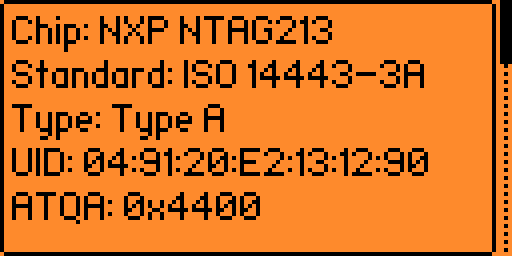
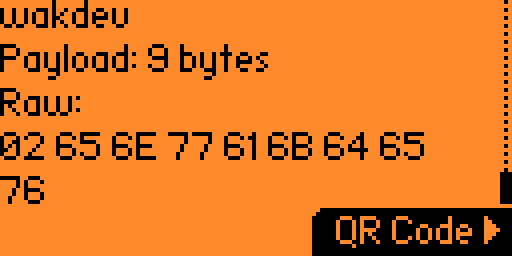
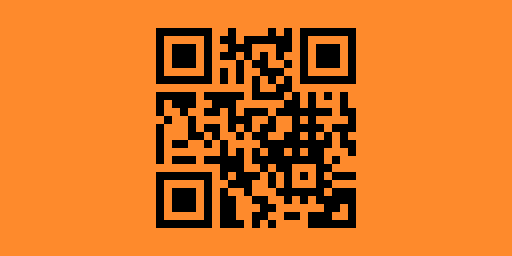
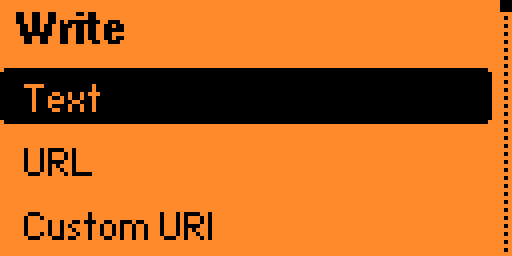
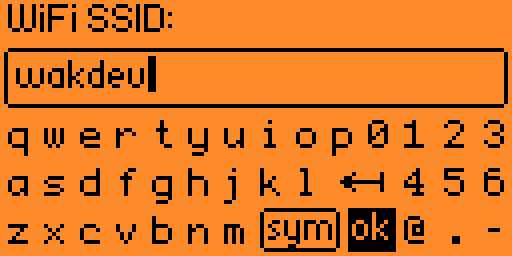
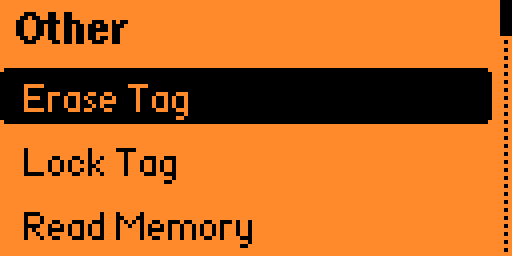
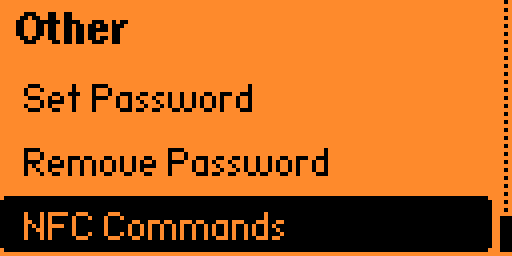
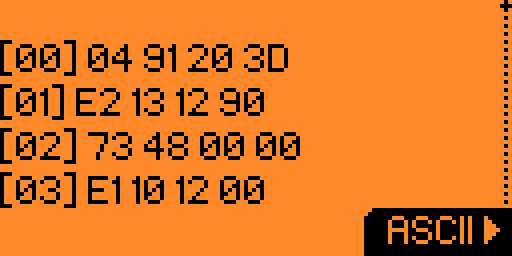
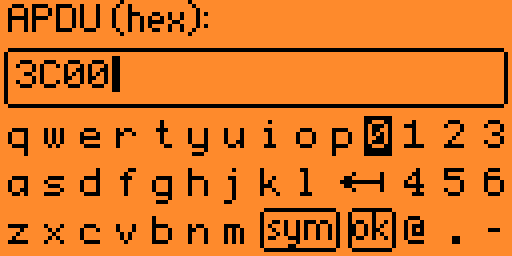
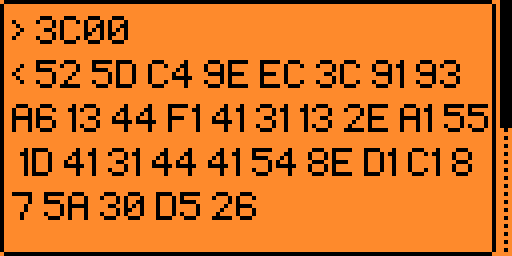
Features
NFC Tools for Flipper Zero brings the power of NFC Tools directly to your Flipper Zero:
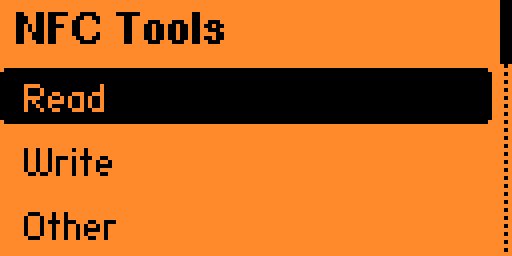
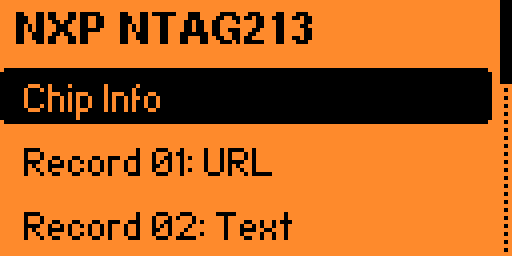
- Read & write on your Flipper Zero : Read and write your NFC chips directly from the device.
- Compatible chips : NTAG, MIFARE Classic, MIFARE Ultralight, ICODE and more.
- Write NFC records : URL, text, contact and more.
- Fully standalone : Works on your Flipper Zero, with no computer or external reader needed.
- Open source : A free and open source application.
... and much more.
Pre-requisites
To use it, you need:
A Flipper Zero device with an up-to-date firmware (official firmware supported).
And obviously, some compatible NFC Chips.
Tested NFC chips : NTAG210, NTAG212, NTAG213, NTAG213TT, NTAG215, NTAG216, Ultralight/C, ICODE SLI, ICODE SLIX, ICODE SLIX2, Mifare Classic 1K/4K...
How To Install
Installation with qFlipper
- Download the application (.fap)
- Connect your Flipper Zero to your computer with the USB cable
- Open qFlipper
- Open the File Manager and navigate to SD Card / apps / NFC
- Drag and drop the nfc_tools.fap file into this folder
- On your Flipper Zero, go to Apps, NFC and launch NFC Tools
Additional information :
Make sure your Flipper Zero firmware is compatible with the current version of the app. If you encounter an "API mismatch" message, update your firmware to the latest version using qFlipper:
| Open qFlipper Connect your Flipper Zero Click "Update" |
Application not appearing in the menu?
| Make sure the .fap file is placed in SD Card / apps / NFC Restart your Flipper Zero |
Useful links
Release notes
Version 1.2
• Updated keyboard layouts and engine
Version 1.1
• Preserve records write input buffers on write failure or user cancellation
• Automatic retry in case of write failure
Version 1.0
• Initial release of NFC Tools for Flipper Zero