Start by installing NFC Tools Pro Edition so you can write to your NFC chip.
Once installed, open the NFC Tools Pro Edition app:
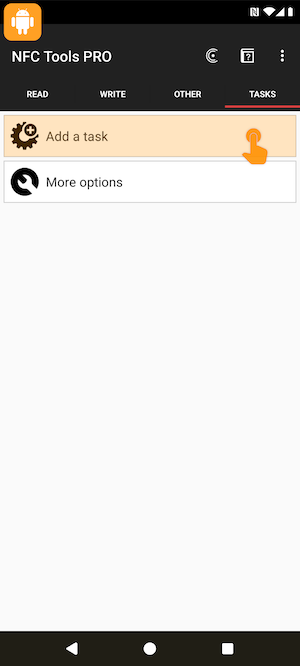
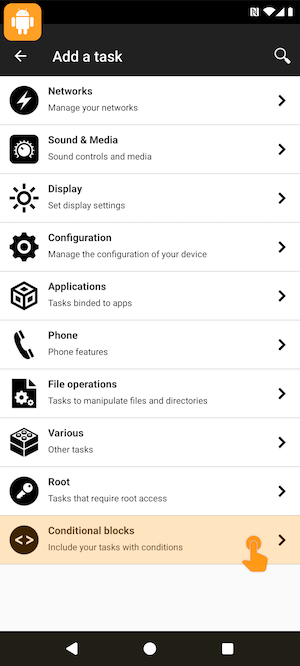
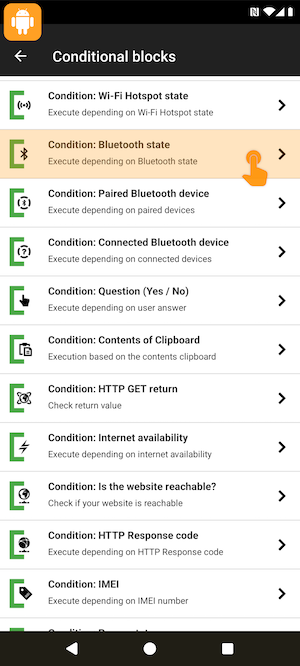
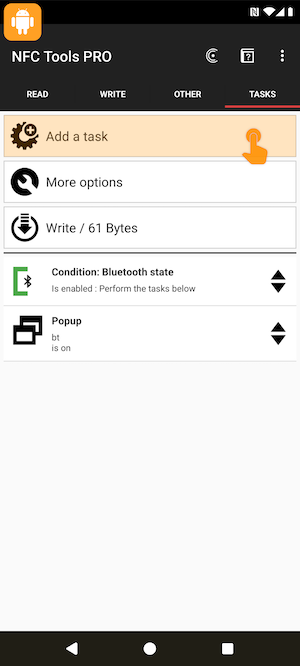
Go to "Tasks", "Add a task" then click on "Conditional blocks".
Scroll down and select "Condition: Bluetooth state".
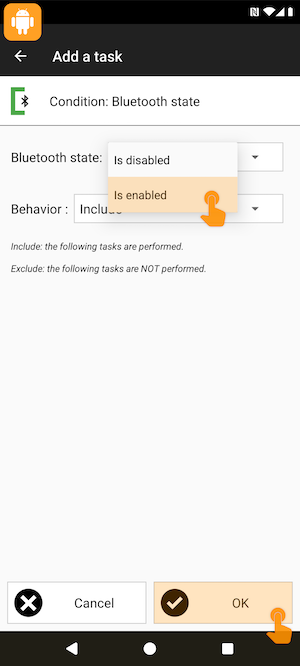
Define your condition : if Bluetooth is enabled, then include the next task.
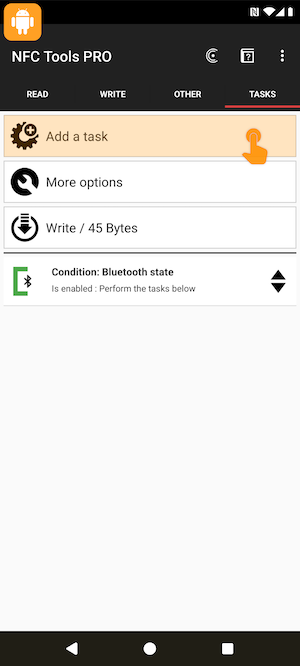
Add a task, and whatever you want if Bluetooth is on.
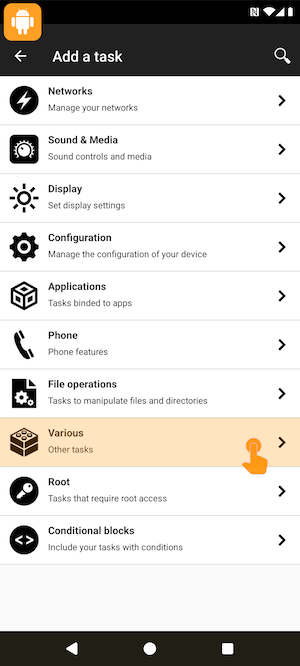
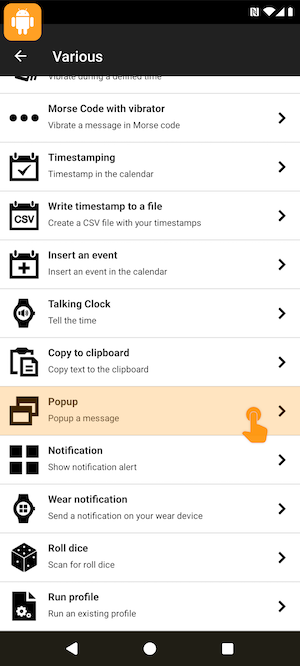
As an example add a popup task, for that, click on "Various".
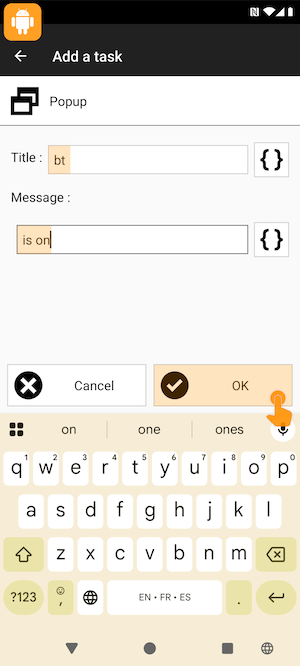
Scroll down and choose "Popup", write "bt", then "is on".
Again, add a task then "Conditional blocks".
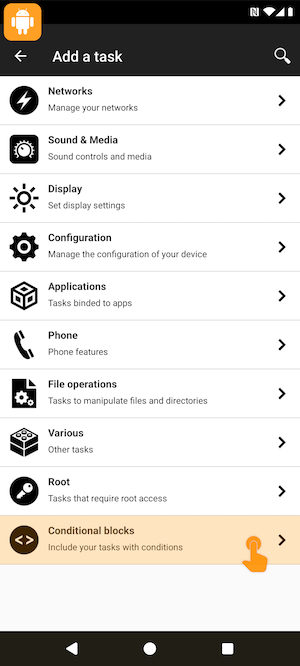
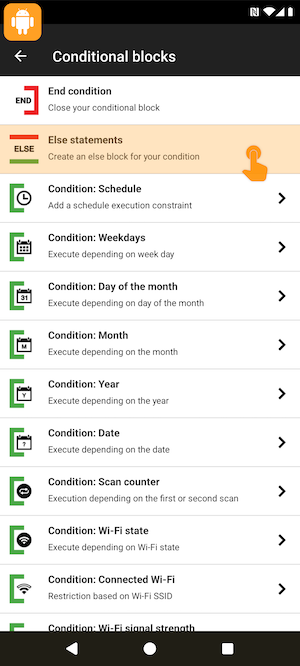
Add an "Else" statement to configure tasks when the condition is false.
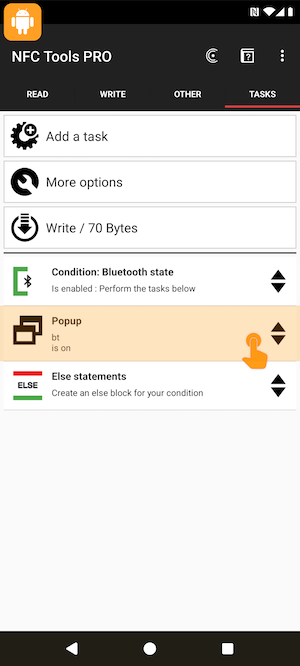
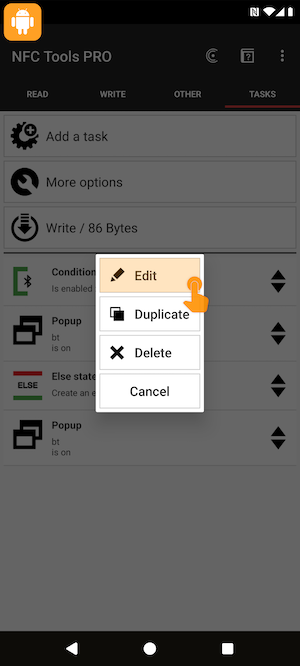
Select your Popup task, to duplicate it.
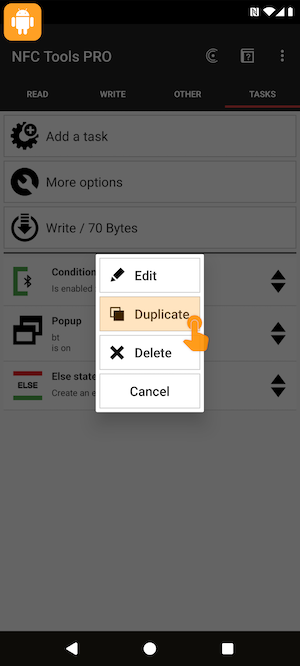
Select the copy, then edit it.
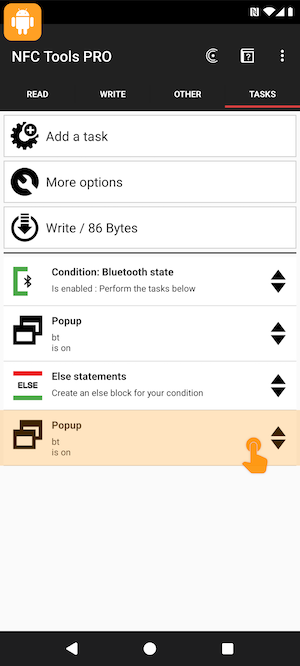
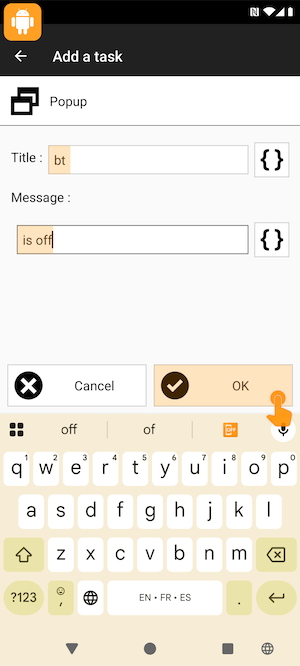
Write "is off" as the "Else" condition.
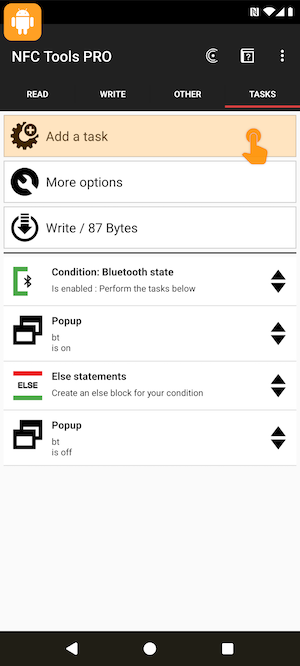
Add last task, choose "Conditional blocks".
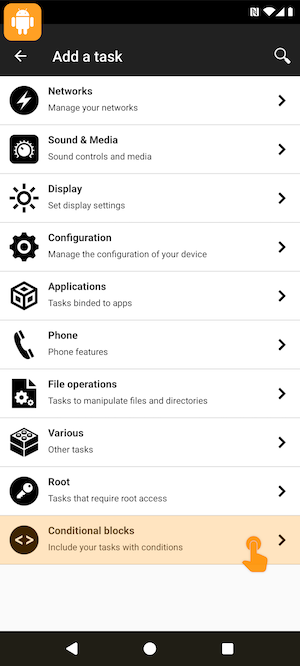
Add an "End" condition to close your conditional block.
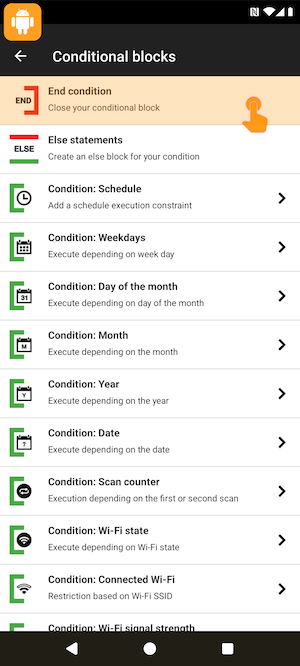
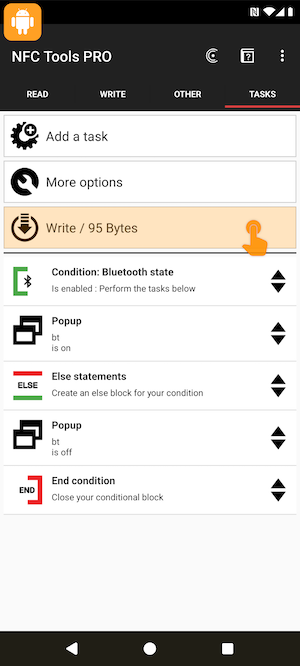
Now you can write your tasks.
For that, tap your NFC tag.
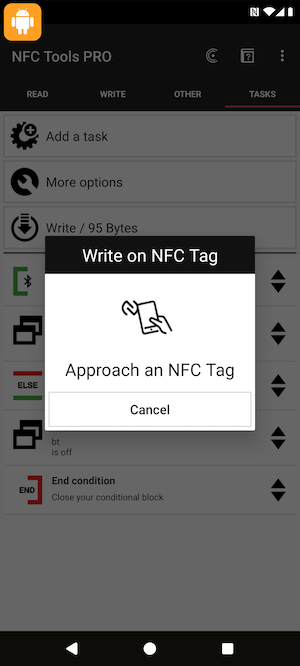
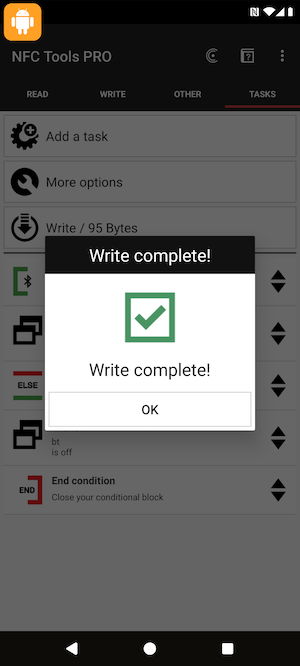
Click on "ok" and exit the app.
From the Home, scan your tag and see the popup message.
Bluetooth is on, your first task is executed.
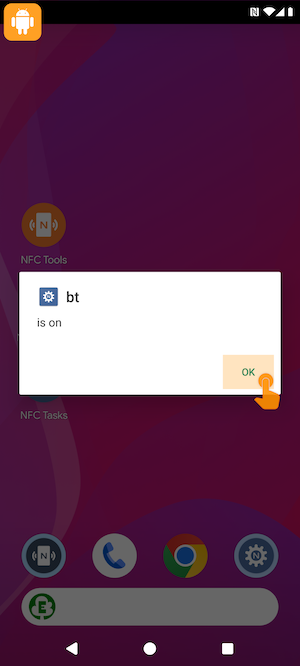
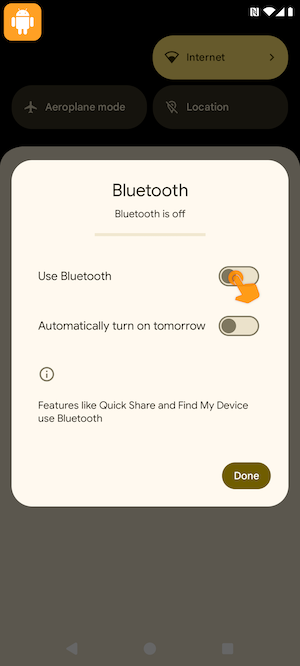
Disable Bluetooth to test the second condition.
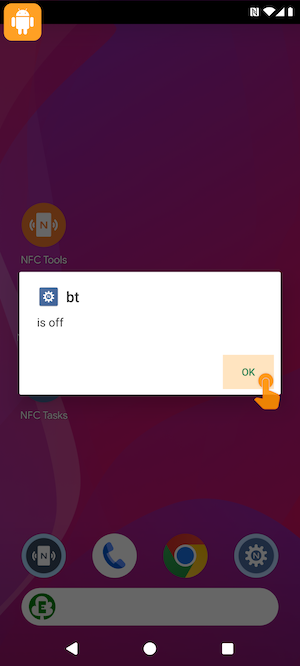
Scan your tag. Bluetooth is off, your second task is executed.